Quickstart (GitHub)
Connect a repo, review detection, deploy, and get a live URL in minutes.
Last updated: 2026-03-17
This is the fastest path from GitHub to a live URL.
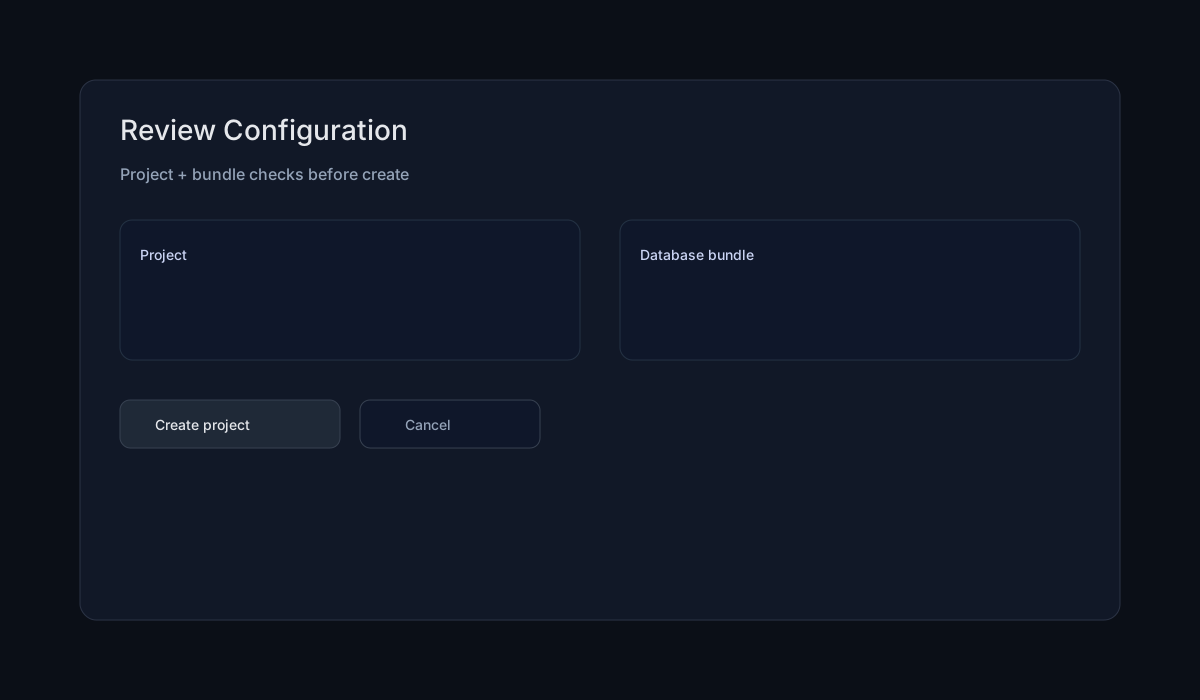
Step‑by‑step
- Open Dashboard → New Project → Import from GitHub
- Select your repo and branch
- Review detected settings (framework, build, port)
- Click Deploy
- Open your Preview URL
What Forgeon detects
Forgeon analyzes the repo and fills defaults:
- Framework & runtime
- Build command
- Start command
- Internal port
You can edit these in Project → Settings → Build & Deployment.
Add env vars
If your app needs secrets or DB credentials:
- Go to Settings → Environments
- Add variables for the target env (prod / staging / preview)
- Redeploy
Troubleshooting
Deploy fails with “missing envs”
- Add env vars for the selected environment before deploying
Preview URL loads, but app errors
- Check runtime logs and start command